Your service software
Keep dispatch, routes, customer records, work orders, billing, and service history in Pool Brain or Skimmer.
Pool Brain and Skimmer manage service operations. SplashLens helps a technician investigate an equipment question, capture what was actually seen, and prepare a reviewed summary for the existing job record.
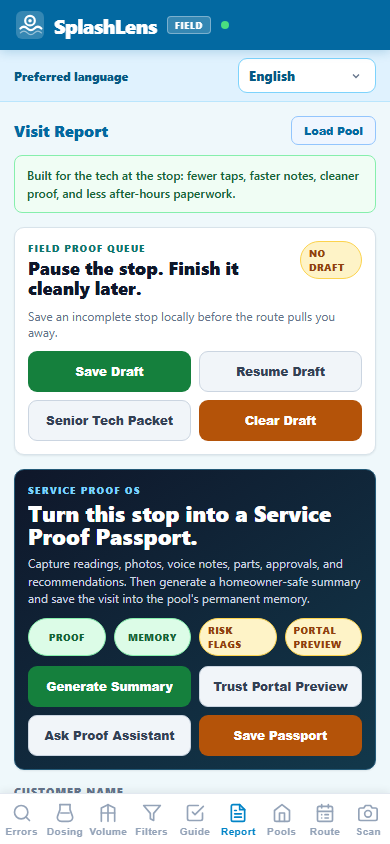
Keep dispatch, routes, customer records, work orders, billing, and service history in Pool Brain or Skimmer.
Look up a code, examine a possible part family, record labels and readings, note uncertainty, and build a proof summary before the office handoff.
Use manual code lookup or an online scanner. Check the exact model, plate, and manufacturer manual before a repair or order.
Record the symptom, photos, readings, possible match, and what still needs verification. Do not present a tentative part as confirmed fit.
Copy or use the device share sheet for the office, a senior tech, or a distributor counter, then attach or paste it into the existing job. SMS availability depends on the device and installed apps.
Bad signal? After an initial online load, cached manual lookup and calculators can work offline. PartSnap and AI scans need a connection. There is no claimed direct Pool Brain or Skimmer integration.
Bring the model plate, visible markings, dimensions, installed context, and the unanswered fit question. A concise proof packet gives the counter a better starting point; the manufacturer diagram and verified part number still decide the order.
Pool Brain and Skimmer describe route, service, and billing workflows on their official sites: Pool Brain and Skimmer. This independent page describes a manual companion workflow, not a partnership, endorsement, certification, or software integration. Review date: October 5, 2026.